01
From DevTools to a readable request.
Chrome → Network → Copy as cURL → Inspect → formatted JSON body.
Pekivo reads what you just copied — JSON, logs, JWTs, curl, SQL, XML, YAML, CSV, IP / CIDR, Regex, even screenshots — and shows what's inside. One shortcut instead of a dozen tools. Everything stays on your Mac.
Free for 14 days · macOS 14 or later · Apple silicon and Intel
Real native results from the app, from the places developers actually copy things.
Chrome → Network → Copy as cURL → Inspect → formatted JSON body.
Argo CD → copy pod logs → Inspect → filter errors.
Chat → copy the table image → Inspect → copyable Markdown table.
Chat → copy the log message → Inspect → filter errors.
Chat → copy cURL → Inspect → method, headers, demo token and JSON body.
Capture an image from any app → Inspect → select and copy the recognised text.
Detected automatically — Read as… switches it when you know better.
One site per format, and your tokens, logs and queries go to a server you don't control. Pekivo covers every format and nothing leaves your Mac.
Great toolboxes — you switch to the app, pick a tool, paste. Pekivo opens over the app you're in, detects the format itself, and also reads screenshots and turns logs into a filterable table.
Avyron is a full workspace window with 16 tools — generators, regex, diff, hashing and more. Pekivo is the instant ⌥Space overlay with screenshot reading for whatever you just copied. Pick the one that fits, or use both: they run side by side without shortcut conflicts. Meet Avyron →
They remember what you copied. Pekivo explains what you copied — and keeps no history. They work well side by side.
You just copied something — press ⌥Space over any app, see what’s inside, close it. Like Quick Look for your clipboard.
Open it when you need to generate, diff, hash, test a regex or clean up a .env — a toolbox window you keep open.
| Pekivo | Avyron | |
|---|---|---|
| You… | glance | work |
| Opens | over the app you’re in (⌥Space) | as its own window |
| Stays open | seconds | as long as you need |
| Best for | a log, cURL or JWT someone sent; screenshots (OCR) | UUIDs, hashes, diffs, regex, .env, cron |
| Only here | screenshot reading, logs → filterable table | generators, diff, hashing, regex tester |
Reading something? Pekivo. Making or changing something? Avyron. Many people use both — they don’t clash.
100% runs on your Mac — no account, no analytics, nothing uploaded.
Everything you copy and inspect is processed on your Mac. Pekivo never uploads your content.
License activation, periodic validation and update checks use the network — never with your inspected content.
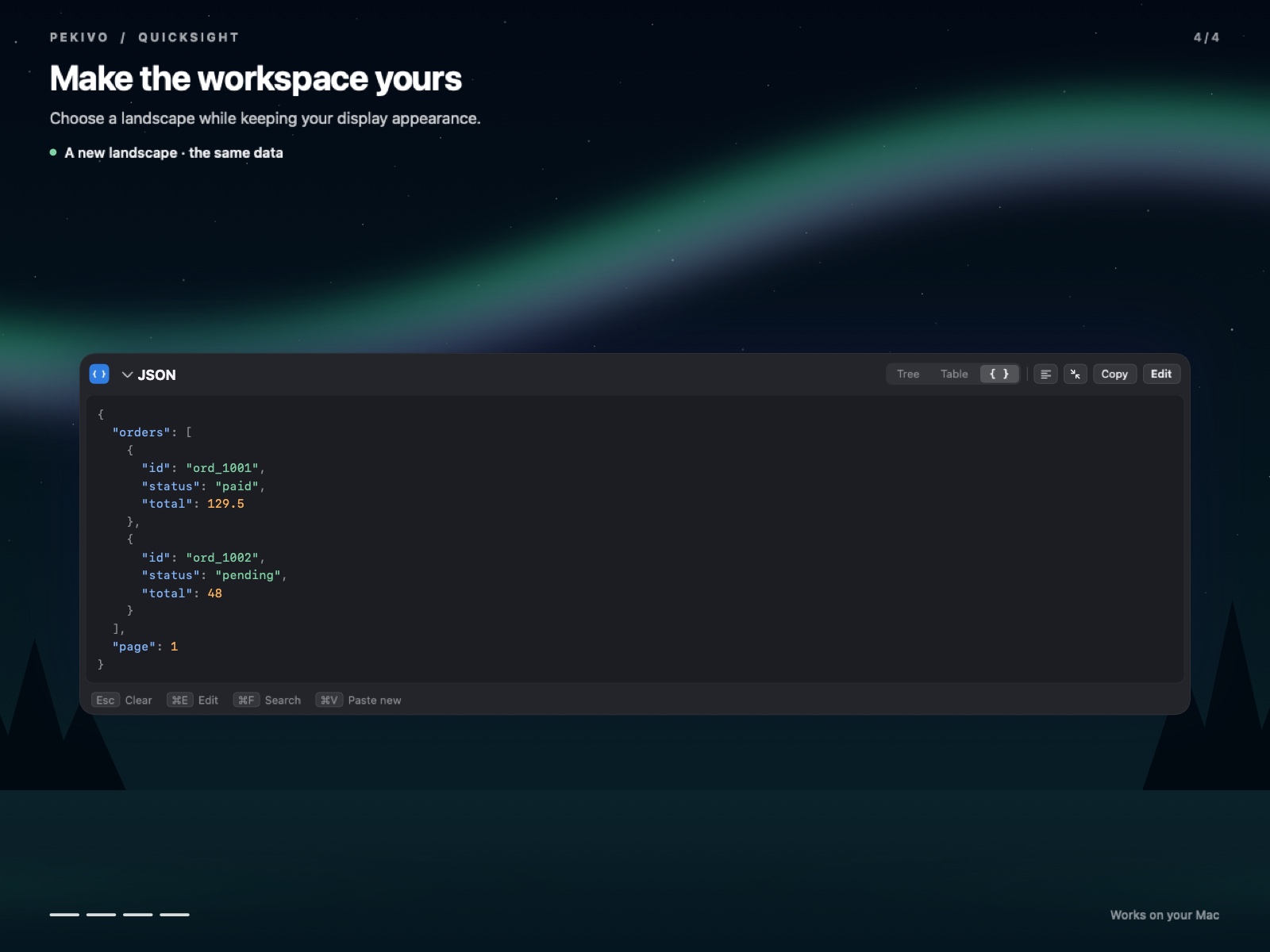
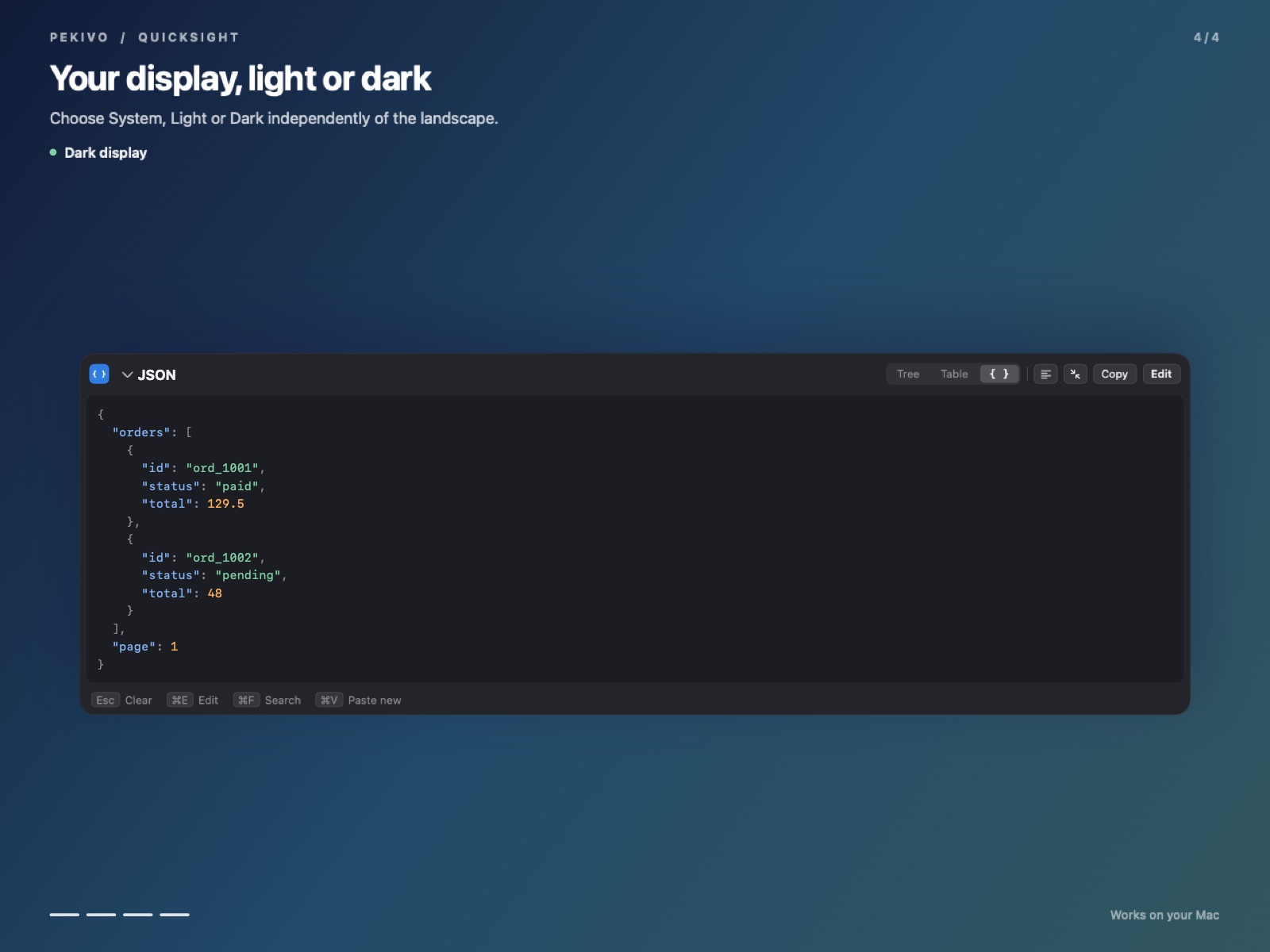
Follow macOS or choose Light or Dark in Settings, then pick a hand-drawn landscape. Results always sit on an opaque surface, so text stays readable.
One-time purchase, no subscription; every plan includes all features, 27 themes and every 1.x update.
For one personal Mac
Work Mac + home Mac, no key juggling
For small dev, DevOps and backend teams
Download the free 14-day trial — every feature unlocked, no card needed.
No. Pekivo runs 100% on your Mac. License activation, periodic license validation and update checks use the network; they never upload your inspected content.
Yes. Inspection runs 100% on your Mac with no connection. The network is only used to activate your license, for occasional license checks and for update checks.
Buy on this website, then paste your license key into the app's License screen and select Activate.
Every feature works during the trial. After 14 days, activate a license to keep using Pekivo.
Standard covers 1 Mac, Pro 2 Macs and Team 5 Macs. Every plan includes all 1.x updates.
Yes. ⌥Space reads the clipboard and ⌥X opens an empty panel by default; both are configurable in Settings. Pekivo starts in the menu bar.
Yes. Select text and press ⌘C, or use Copy to copy the complete result.
Yes. Copy an image or capture a region to the clipboard, then press ⌥Space. Recognised tables can become Markdown.
Decoding a JWT shows its header and claims; it does not verify the signature.
Yes. Choose System, Light or Dark in Settings, and select a landscape.
A key that doesn't work, a duplicate charge or anything else — contact us and we'll make it right.